
...

IneedMyVacation.com

📶 Caribbean Cruise Wi-Fi 2026: Costs, eSIM Alternatives & Port Coverage Guide

Caribbean cruise Wi-Fi costs between $20 and $35 per day on Carnival, while Royal Caribbean and MSC require sailing-specific quotes. For most travelers, the most affordable strategy is buying the ship’s basic package for sea days and using a verified travel eSIM for port-day data.

Affiliate Disclosure: This article contains affiliate links. If you book or purchase through these links, I Need My Vacation may earn a small commission at no extra cost to you. We only recommend services we genuinely trust and use ourselves to help you plan the perfect trip. Thank you for your support!

📱 Check Your Ports Before Buying Ship Wi-Fi

Compare destination lists first. A travel eSIM is perfect for port days, but it won’t work offshore. Secure your pre-cruise hotel and compare eSIM coverage now.

💡 When the Airalo app opens: Type “Caribbean” or your specific port (e.g., “Nassau” or “Cozumel”) to verify exact coverage.

💡 When the hotel page opens: Type “Fort Lauderdale” or “Port Canaveral” and filter by “Free cancellation”.

🎯 Key Takeaways Before You Buy

  • 💰 Compare the full-cruise total for a Wi-Fi package, not just the advertised daily price.
  • 🚢 Buy onboard Wi-Fi only if you need internet during sea days or evenings offshore.
  • 🗺️ Check your eSIM’s exact destination list for all port calls, especially Mexico and Honduras.
  • ✈️ Keep airplane mode on at sea, then enable Wi-Fi separately to avoid maritime roaming fees.
  • 📱 Check device restrictions before planning to share one single-device package with a partner.

Caribbean cruise Wi-Fi prices depend heavily on your sailing and package tier. Carnival publishes pre-cruise plans, while other lines require a booking-specific quote. For many travelers, the most affordable option is buying ship Wi-Fi only when needed and using a verified travel eSIM in port. I always start with the itinerary, not the internet upgrade. Count your sea days, decide when you need a connection, and check the full cost before buying. Include connectivity alongside gratuities and drinks when reviewing the hidden costs of cruising.

💰 How Much Does Caribbean Cruise Wi-Fi Actually Cost?

Published prices are useful, but your booking account is the final checkout reference. Discounts, device counts, and sailing dates can change the total. Here is what the published prices let you compare for 2026 sailings. Rates may change, so confirm your total before sailing. According to Carnival’s internet plan details, Value also has a $28 onboard 24-hour option, while Premium’s 24-hour option costs $35.
Cruise LinePackage TierPre-Cruise PriceOnboard Price
CarnivalSocialFrom $20.40/day$22/day
CarnivalValueFrom $23.80/day$26/day
CarnivalPremiumFrom $25.50/day$28/day
Royal CaribbeanVOOM Surf + StreamSailing-specificCheck Planner
MSC CruisesBrowse / StreamBooking-specificCheck Onboard
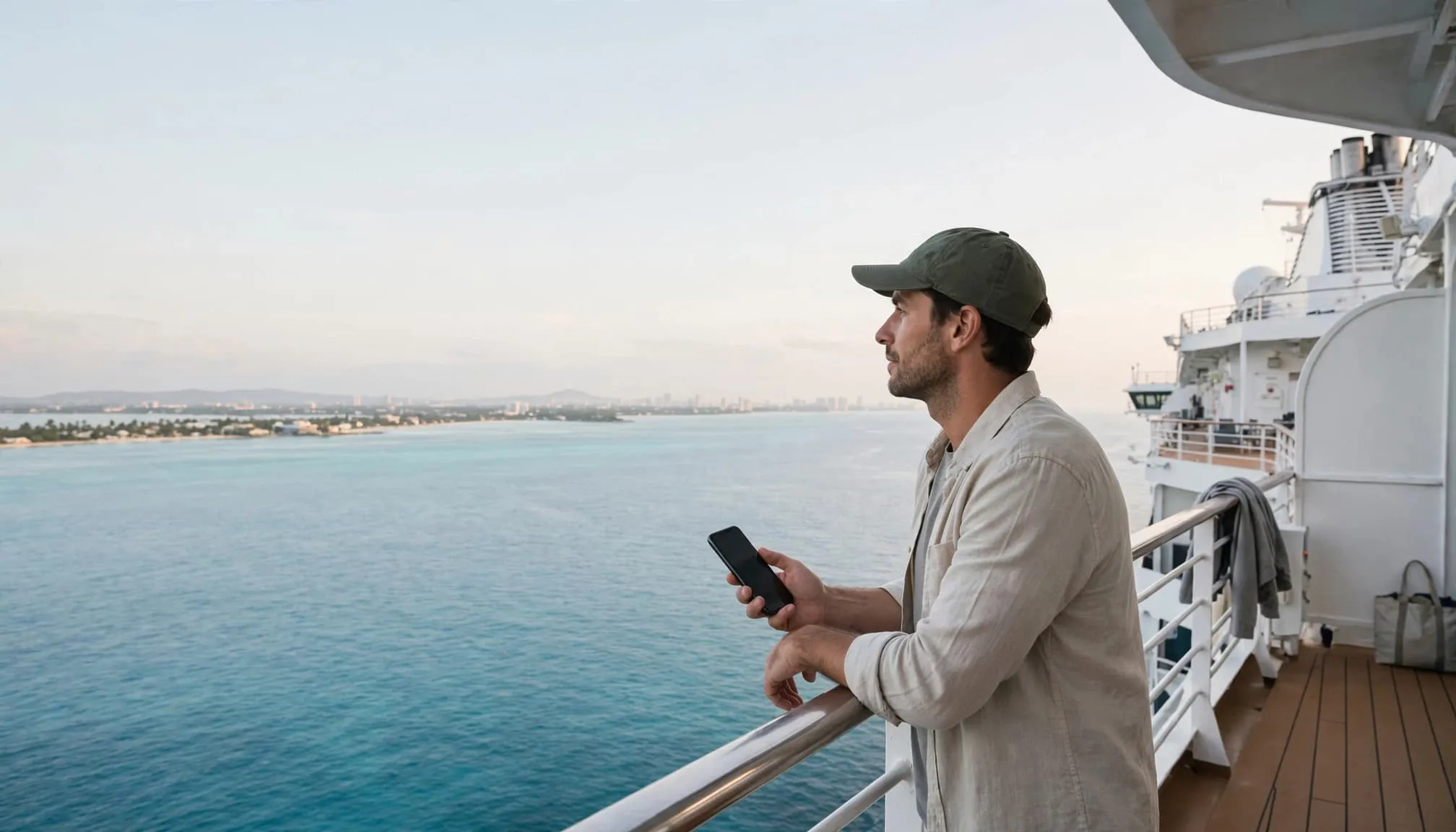
A traveler on a cruise deck looks toward Nassau while holding a phone.

✈️ 2026 Pre-Cruise Airfare Snapshot (round-trip economy, from ~): JetBlue JFK–FLL (Fort Lauderdale) ~$140; American MIA–MCO (Orlando) ~$120; Delta ATL–SJU (San Juan) ~$180.

🏨 2026 Pre-Cruise Hotel Snapshot (from ~ per night): Hilton Fort Lauderdale Marina (Near Port Everglades) ~$210; JW Marriott Orlando Grande Lakes ~$350.

👥 Can You Share One Cruise Wi-Fi Package?

Sharing rules vary by cruise line, so don’t assume one Wi-Fi package covers multiple passengers. A single-device purchase usually allows one device online at a time. Carnival allows a plan to be used across multiple devices, with only one connected at a time. Switching devices can suit travelers who need occasional access. Royal Caribbean’s public information doesn’t confirm whether different passengers can share one single-device purchase; ask before relying on that workaround. MSC Cruises packages are personal and non-transferable. Activated devices are locked to the package for the cruise, so don’t assume you can replace a phone with a laptop later.

Avoid buying a travel router solely to bypass package limits. Restrictions still apply, and the equipment may not work with the ship’s captive portal login system.

🗺️ Which Caribbean Ports Need Extra eSIM Coverage Checks?

A plan called “Caribbean” doesn’t automatically include every cruise destination. Check each destination on your port calls, not just the port name. Airalo’s Island Hopper list includes destinations such as the Bahamas, Jamaica, and the British Virgin Islands. However, Mexico and Honduras often require separate country-specific plans. That makes Cozumel and Roatán important checks on Western Caribbean itineraries. Save the meeting point and guide contact before leaving for independent Caribbean shore excursions.

Cruise StopDestination to VerifyWatch For
CozumelMexicoRequires separate plan
RoatánHondurasRequires separate plan
PhilipsburgSint MaartenVerify French St. Martin
RoseauDominicaNot Dominican Republic
Two visitors walk past colorful buildings and palms near a distant mobile network mast.

📲 Secure Your Port-Day eSIM Data

Skip the expensive ship Wi-Fi for port days. Compare regional data plans and verify your specific islands are covered before you sail.

💡 When the app opens: Search “Caribbean” or type “Mexico” if visiting Cozumel, and verify the local network partner.

⚠️ How Do You Avoid Massive Maritime Roaming Charges?

Don’t assume your land-based international phone plan covers the ship. Maritime cellular service (like “Cellular at Sea”) has separate terms and can result in massive bills. Use airplane mode, then turn Wi-Fi back on if you have a ship package. Confirm cell service remains disabled. A phone can connect to a ship’s cell network while the vessel is docked or even in some U.S. ports. I wouldn’t switch cellular service back on simply because land is visible. Wait until ashore, confirm the travel data line, and check the network connection. Protect your entire trip investment with comprehensive 🛡️ travel protection via VisitorsCoverage to cover medical emergencies and trip interruptions.
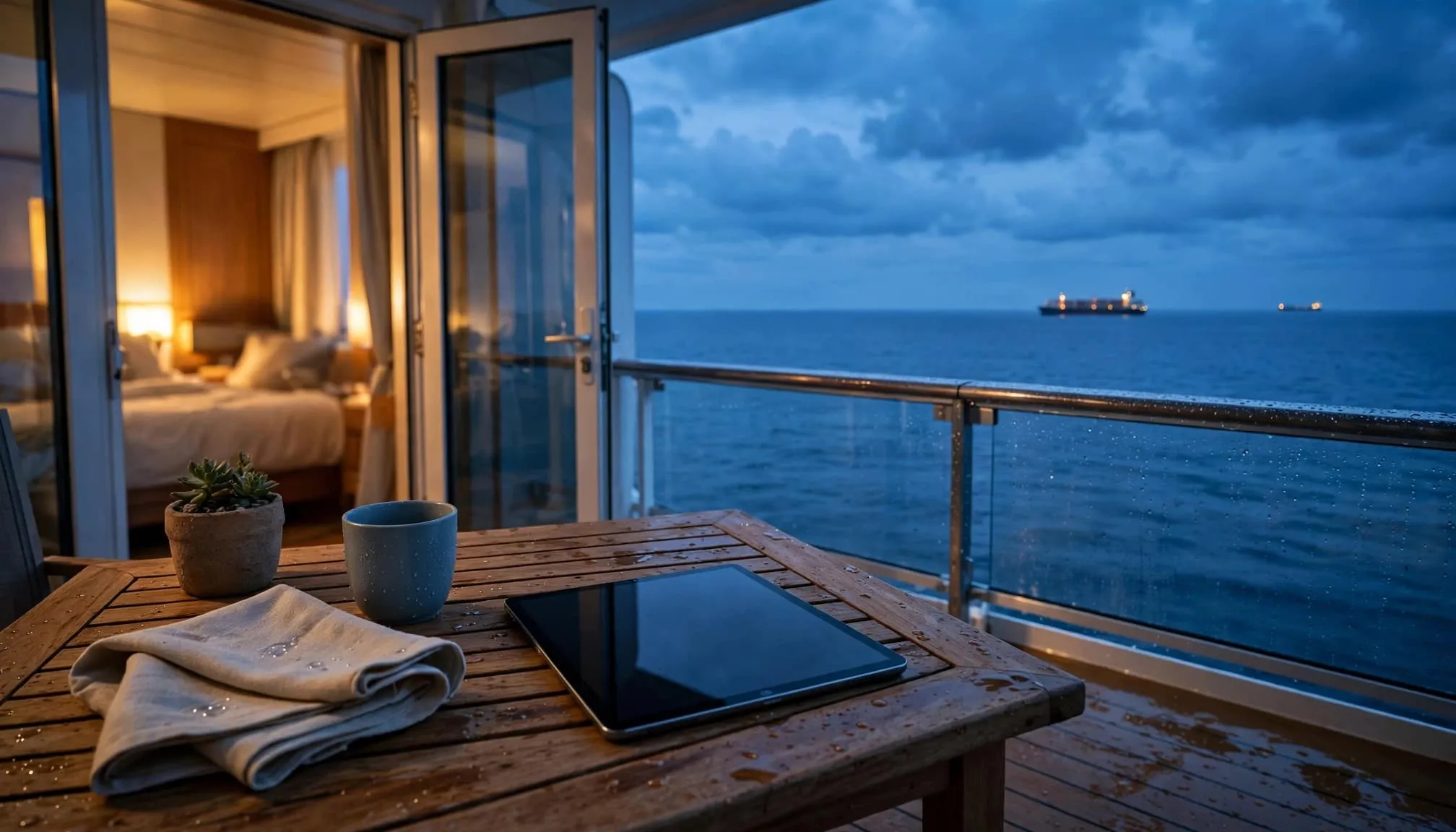
A tablet sits on a cruise balcony table overlooking the ocean at dusk.

⚠️ Harsh Truth: Your travel eSIM may require its own roaming setting to be ON. Keep the home line OFF or restricted so those settings don’t apply to the wrong SIM and trigger maritime roaming fees.

📶 Is Starlink or a 5G Hotspot Better for Remote Work?

Many new ships advertise Starlink satellite internet. While its low-Earth-orbit network reduces latency compared to traditional geostationary systems, passengers still share onboard capacity. For remote work, upload performance and stability matter as much as headline download speed. Test your employer’s VPN early in the sailing. If you frequently work from port cafes or need a private Wi-Fi bubble for your family while docked, investing in a premium 5G mobile hotspot paired with a local eSIM is a game-changer. If your cruise adventure starts with a flight into Mexico, pre-book your ground transport with 🚐 OMyTransfers for seamless rides.
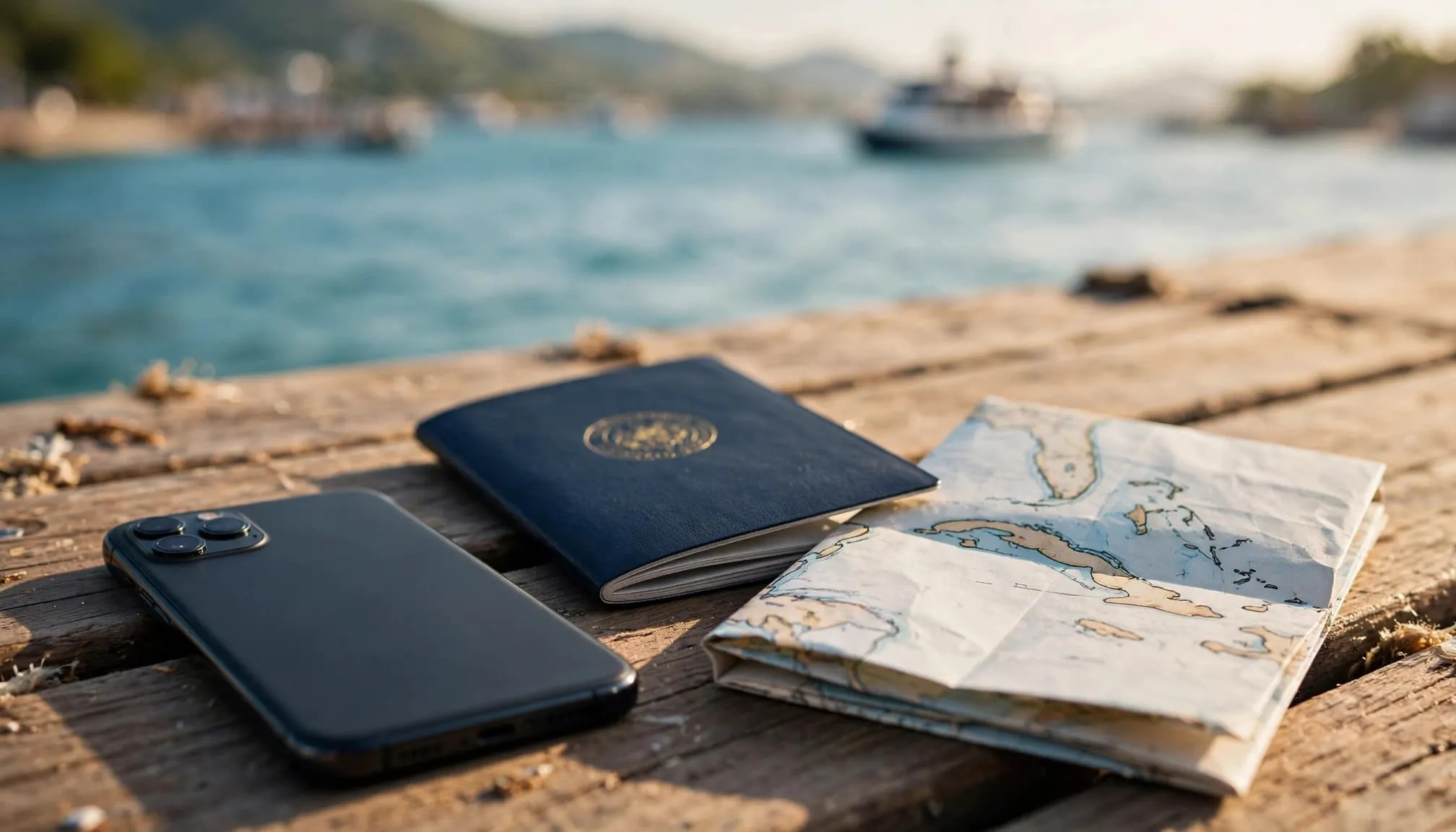
A phone, passport, and folded island map sit on a sunny pier overlooking a harbor.
📡 Bypass Ship Wi-Fi: Create Your Own Port-Day Network

Netgear Nighthawk M6 Pro 5G Mobile Hotspot (~$699)

Stop paying for multiple single-device cruise Wi-Fi packages. The Netgear Nighthawk M6 Pro connects to blazing-fast 5G networks in Caribbean ports and creates a secure, private Wi-Fi 6 bubble for up to 32 devices. Insert a local travel eSIM, and your whole family can stream, work, and video call from the beach or a port cafe without touching the ship’s expensive satellite internet.

✅ True 5G Connectivity ✅ Connects 32 Devices ✅ Unlocked for Global eSIMs
🛒 Check Nighthawk M6 Pro Pricing

💡 When Amazon opens: Copy/paste “Netgear Nighthawk M6 Pro 5G Mobile Hotspot Unlocked” to ensure you get the global version.

📥 What Can You Download Before Sailing to Save Money?

Offline preparation can drastically reduce how much internet you need to buy. Download maps, entertainment, cruise documents, tour confirmations, and essential contacts before departure. Check that saved files open without a connection. Pause automatic photo uploads, app updates, and background downloads; they can consume a port eSIM allowance before you’ve noticed. For families, agree on meeting places and times before separating. Neither onboard chat nor mobile service should be your only reunion plan. Before booking around work or connectivity, compare itineraries using our Caribbean cruise-line guide.

A family of three sits at a cafe table with a phone face down as palms rise behind them.

❓ People Also Ask: Cruise Wi-Fi FAQ

1. Should I buy Caribbean cruise Wi-Fi before departure?

Yes, if you know you need it. For Caribbean cruise Wi-Fi, compare the advance price with onboard options. Carnival publishes lower starting pre-cruise rates (e.g., $20.40/day vs $22/day onboard). Always check cancellation terms and included fare benefits before purchasing.

2. Can an eSIM replace ship Wi-Fi during sea days?

No. A travel eSIM uses land-based cellular networks, so it will not provide dependable service offshore or during sea days. It is strictly for port-day use. Furthermore, leaving your cellular data on while at sea can trigger massive maritime roaming charges if your phone connects to the ship’s cellular network.

3. Can I use the cruise line app without buying internet?

Yes, most cruise-app functions (like daily schedules and deck plans) work through the ship’s local Wi-Fi network without an internet package. However, the in-app chat feature doesn’t automatically include WhatsApp, email, or messaging people back home. Those require a paid Wi-Fi package.

🌅 Pay for the Connection You’ll Actually Use

Choose Caribbean cruise Wi-Fi based on a clear need: sea-day access, family contact, or remote work. For port-heavy trips, a verified travel data plan may cost significantly less. Compare your itinerary with the plan’s destination list, confirm coverage before price, and check device rules. Set airplane mode before sailing to avoid unexpected charges. Choose a connection that meets your needs, and leave room in the budget for enjoying the cruise.

📶 Finalize Your Connectivity Strategy

Compare flexible flights, lock in your refundable pre-cruise hotel, and secure your port-day eSIM today.

💡 When the flight page opens: Enter your home airport + “FLL” (Fort Lauderdale) or “MCO” (Orlando) and toggle “Flexible dates”.

☕

Support the Blog

If you love our travel guides and vacation tips, consider buying us a coffee to fuel the next adventure!

Buy Me a Coffee

© 2026 I Need My Vacation. All rights reserved.

📱 Best Caribbean eSIMs 2026: Island Coverage, Data Plans & Setup Guide

The best Caribbean eSIM for island hopping in 2026 depends entirely on your exact itinerary, as coverage varies wildly between islands. Choose a regional data plan from providers like Airalo, Yesim, or Saily only after verifying that every specific port, ferry destination, and overnight stop is explicitly listed in their coverage map.

Affiliate Disclosure: This article contains affiliate links. If you book or purchase through these links, I Need My Vacation may earn a small commission at no extra cost to you. We only recommend services we genuinely trust and use ourselves to help you plan the perfect trip. Thank you for your support!

📶 Check Your Islands Before You Buy an eSIM

Open the destination list first. Compare regional data plans only after every stop on your itinerary is confirmed and supported.

💡 When the app/page opens: Search for “Caribbean” or your specific island (e.g., “St. Lucia”) and verify the local network partner before checkout.

🎯 Key Takeaways Before You Buy

  • 🗺️ Match every island and territory to the exact plan’s destination list, including overnight connections and ferry ports.
  • 📊 Compare the full data plan, not just its price. Check the local network, activation trigger, hotspot allowance, and top-up options.
  • 📲 Install on reliable Wi-Fi before departure, but follow the plan’s specific instructions for starting its validity period.
  • 📴 Keep offline maps and confirmations available. Regional mobile data doesn’t guarantee service offshore, on ferries, or during tropical storms.

🗺️ How Do You Check Caribbean eSIM Island Coverage?

Your phone can work perfectly on one Caribbean island and struggle at the next stop. Choose coverage before price: a reliable plan must list every destination, support your unlocked phone, and provide enough data for your trip. Write down your airports, ferry destinations, cruise ports, and overnight stops. Then check your route against the specific package, not the provider’s general coverage page.

A traveler with a phone looks toward a small ferry across a Caribbean harbor.

Does the plan name every stop on your itinerary?

Similar names and nearby islands don’t make coverage interchangeable. For example, Ubigi lists both Dominica and the Dominican Republic, but they are separate destinations requiring explicit confirmation. Puerto Rico, the U.S. Virgin Islands, and Cuba also need explicit confirmation; their Caribbean location alone doesn’t establish inclusion in a regional package. Always verify both sides of shared islands, like Saint Martin (French) and Sint Maarten (Dutch).

Your DestinationListed by Regional ProvidersDetail to Check
Barbados, St. Lucia, GrenadaYesMust remain in selected package
Aruba and CuraçaoYes (Often ABC packages)Don’t assume neighboring islands share coverage
Saint Martin / Sint MaartenBoth usually listedCheck both sides of the island
Puerto Rico & USVIVaries heavilyOften excluded from “Caribbean” regional plans

Which local cellular network will your phone actually use?

Ask which carrier supports each destination. Ubigi lists Aliv in the Bahamas, Altice in the Dominican Republic, and the Digicel network in many destinations. A familiar network name helps you investigate coverage, but it isn’t a speed guarantee. Ask your accommodation which carrier works indoors and along your planned routes before paying extra for a bigger regional coverage count.

📶 Which Travel eSIM Providers Should You Compare in 2026?

Compare similar allowances and validity periods. A seven-day data plan can look cheaper while leaving half your vacation uncovered. Treat the providers below as starting points, then confirm current coverage, allowances, validity, and prices before buying. The lowest total only matters after your itinerary passes the coverage check.

✈️ 2026 Airfare & Resort Snapshot (for context on total trip value): JetBlue JFK–SJU (San Juan) ~$240 RT; American MIA–PUJ (Punta Cana) ~$320 RT. Secrets Cap Cana ~$550/night; Sandals Dunn’s River ~$600/night. Protecting a $4,000+ trip with a $30 eSIM is a no-brainer.

Which provider belongs on your final shortlist?

Start with an Airalo, Saily, or Yesim eSIM if the exact destination lists match your route. Airalo offers capped and unlimited regional options via their “Caribbean Islands” or “Island Hopper” packages. Saily is excellent for user-friendly interfaces and reliable top-ups. Compare their allowances and validity with Digicel’s direct-carrier option if you are visiting a Digicel-heavy island. Don’t choose an eSIM provider by brand alone; compare hotspot permission, support availability, and what happens if service fails.

📲 Secure Your Caribbean Data Plan Now

Install your eSIM on reliable home Wi-Fi before departure. Compare regional packages and verify your specific islands are covered.

💡 When the app opens: Type “Caribbean” or your specific island name, select your data allowance (e.g., 5GB or 10GB), and check the local network partner.

📱 Will Your Current Phone Work With a Travel eSIM?

Your mobile device needs eSIM support and carrier unlocking. These are separate requirements. On an iPhone, check Settings > General > About, then Carrier Lock. “No SIM restrictions” indicates an unlocked device. An EID in device information indicates eSIM hardware support, but it doesn’t confirm unlocking or network compatibility. Many compatible phones support a physical SIM alongside an eSIM. Keep your home phone number available if you need bank verification texts, but turn off data roaming on the home line to avoid massive bills.

A smartphone, passport, and boarding pass sit on a balcony table above Bridgetown harbor.
📱 The Ultimate Travel Phone: Factory Unlocked & eSIM Ready

Apple iPhone 16 Pro Max (Factory Unlocked) – 256GB (~$1,199)

To use travel eSIMs seamlessly, your phone must be factory unlocked and eSIM-compatible. The iPhone 16 Pro Max supports multiple active eSIMs simultaneously, meaning you can keep your home number active for bank texts while using a local Caribbean data plan for maps and WhatsApp. Its industry-leading antenna design ensures you catch weak signals in remote Caribbean coves and mountain roads.

✅ Factory Unlocked ✅ Dual eSIM Support ✅ Premium Antenna
🛒 Check Unlocked iPhone Pricing

💡 When Amazon opens: Copy/paste “Apple iPhone 16 Pro Max Factory Unlocked” to ensure you are buying a device that accepts third-party eSIMs.

📊 How Much Data Should You Buy for a Caribbean Vacation?

Maps, messaging, email, and occasional browsing usually need less data than video calls, streaming, and automatic photo backups. I check recent mobile-data usage in phone settings before choosing a package. For light use, compare 3GB and 5GB packages. Consider 10GB when several travelers need hotspot access or your plans involve frequent navigation. Is “unlimited” data worth the upgrade? Unlimited describes the allowance, not necessarily uninterrupted service. Check how much high-speed data is included, and read the fair-use policy for reduced-speed terms. Two unlimited plans can behave differently after heavy use.

Families should check hotspot rules before buying one plan for everyone. Separate smaller plans can be more practical when people split up at the resort or port.

⚠️ Where Can Island eSIM Coverage Let You Down?

A regional eSIM suits island-hopping when every destination is included, but a standard island package relies on land-based cellular networks. Cellular connectivity may fade as your boat moves offshore. Cruise ships operate separate maritime networks; your home carrier applies its roaming terms when you connect to “Cellular at Sea,” which can result in massive bills. Use airplane mode offshore, then enable Wi-Fi if you have a shipboard package. Switch cellular service back on only after reaching port.

A passenger ferry crosses calm blue water between green Caribbean islands.

What about remote rainforest roads and sudden tropical storms?

Steep terrain, remote beaches, thick concrete walls, and distance from towers can weaken reception. A regional coverage label doesn’t promise service on every hiking trail in Dominica or St. Lucia. Mobile data can provide a backup when resort Wi-Fi fails, but cellular towers can also lose power or service during tropical storms. Save emergency contacts, transport details, and important documents offline before you need them. For independent Caribbean shore excursions, always save your meeting point and guide details offline.

A traveler sits by a beach hut with turquoise water and a hillside behind them.

🛠️ How Do You Install and Activate Your eSIM Before Arrival?

Installation and activation can happen at different times. Some plans start validity on installation, while others wait to connect to a supported network. Install through the provider’s app or scan its QR code while you have stable home Wi-Fi. Name the travel eSIM line “Travel Data” so it’s easy to distinguish from your home SIM. On arrival, select the travel line for mobile data and enable its roaming setting if instructed.

A traveler checks a phone beside a suitcase near a window overlooking palm trees and a runway.

⚠️ Troubleshooting Warning: If your eSIM won’t connect at the airport, do NOT delete the eSIM or scan the QR code again as your first fix. Many profiles can’t be reused without provider assistance. Instead, toggle airplane mode, restart your phone, and ensure the travel line is selected for mobile data with data roaming enabled.

❓ People Also Ask: Caribbean eSIM FAQ

1. Can a global eSIM cover several Caribbean islands?

Yes, but only if the specific package explicitly includes every stop on your itinerary. Providers like Airalo, Yesim, and Saily offer regional “Caribbean” packages, but their destination lists differ. Always check each island, local network partner, validity period, and hotspot policy before buying. Don’t assume Puerto Rico or the USVI are included in standard Caribbean regional plans.

2. Does a Caribbean travel eSIM include local calls and SMS?

Usually, no. Most travel eSIMs (like Ubigi and standard Airalo plans) are data-only. They provide internet for WhatsApp, FaceTime, and maps, but do not come with a local phone number for standard voice calls or SMS. If you need a local number to call island restaurants or tour guides, you may need to purchase a physical local SIM card at the airport.

3. Can I keep receiving bank verification texts on my home number?

Yes, if your phone supports dual SIMs (physical + eSIM or dual eSIM) and your home carrier allows Wi-Fi Calling or basic SMS roaming. Set the travel eSIM as your primary line for “Mobile Data” and disable data roaming on your home line. Incoming SMS texts usually do not incur roaming charges, but answering calls or sending texts on your home line will.

🌅 Choose Coverage That Fits Your Vacation

A good Caribbean eSIM removes one major arrival-day problem: finding data when you need your hotel address, driver contact, or digital entry forms. Confirm your islands, phone compatibility, and activation rules before comparing prices. Keep offline backups of your Caribbean entry requirements and maps even after the plan connects. Choose a travel eSIM that covers your actual route; you don’t need the biggest island count, just dependable terms for the places you’re actually visiting.

📶 Get Your Travel Data Ready Before Takeoff

Confirm every island, choose your allowance, and install before departure according to the activation instructions.

💡 When the page opens: Search “Caribbean” and verify your specific islands are covered before adding to cart.

☕

Support the Blog

If you love our travel guides and vacation tips, consider buying us a coffee to fuel the next adventure!

Buy Me a Coffee

© 2026 I Need My Vacation. All rights reserved.
The Best eSIMs for Japan and South Korea in 2026 (Why I’m Using Airalo Instead of a Physical SIM)

I always notice the same scene right after landing in Tokyo or Seoul: sleepy eyes, one hand on a passport, the other on a phone, juggling QR codes, train tickets, and a map that won’t load. Meanwhile, the physical SIM line snakes past the kiosk, and someone drops that tiny SIM tool like it’s a needle.

If you’re traveling in 2026, there’s a simpler move: install an eSIM before you fly, then switch it on after you land. No SIM swaps, no store hours, and far fewer “wait, why is my roaming on?” surprises.

This guide is for first-timers, cherry blossom planners, and anyone doing a multi-city Japan plus South Korea trip.

Transparency Note: This article contains affiliate links. If you book through these links, I Need My Vacation may earn a small commission at no extra cost to you. We only recommend services we genuinely trust and use ourselves. Thank you for supporting independent travel content!

TL;DR: My Top Pick for 2026
Airalo offers the best balance for most travelers—simple app, easy top-ups, dependable coverage in Japan and South Korea, with plans starting from just $4.

My 2026 Quick Picks: Best eSIMs for Japan and South Korea

Here’s the short list I’d send a friend who just texted, “What eSIM should I buy for Japan and Korea?”

🥇 1. Airalo – Best Overall

Best for: Most travelers, flexible top-ups
Trip length: 5-30 days
Tradeoff: Not always the cheapest on paper
Get Airalo eSIM →

🥈 2. Nomad – Best for Comparisons

Best for: Plan variety and date flexibility
Trip length: 5-30 days
Tradeoff: More time spent choosing plans

🥉 3. Holafly – Best Unlimited

Best for: “Unlimited” simplicity
Trip length: 5-20 days
Tradeoff: Higher cost, fair-use policies vary

4. Ubigi & Saily – Solid Alternatives

Best for: Existing users, quick price checks
Trip length: 7-30 days
Tradeoff: Less flexibility if you underestimate data

Real pricing snapshot (March 2026):

  • Saily Japan: 20GB for 30 days around $27.19
  • Airalo Japan: Unlimited for 30 days around $57
  • Airalo South Korea: Unlimited around $23 for 7 days

Prices fluctuate like flight fares. I always check current Airalo rates before booking.

For a broader perspective, I recommend scanning TechRadar’s best eSIMs for Japan, then deciding based on your trip length and data habits.

Planning for cherry blossom season? I plan data the same way I plan parks and day trips—early. Bookmark this cherry blossom timing guide because spring routes change fast once blooms peak.

Why I’m Skipping Physical SIMs in 2026

A young man using his smartphone while walking through a busy street in Seoul, South Korea

Photo by Theodore Nguyen

A physical SIM used to feel like a travel rite of passage. Now it feels like extra friction. I’d rather spend arrival time buying a T-money card in Seoul or finding the right train gate in Tokyo.

5 Reasons Travelers Are Switching to eSIMs:

  1. ⚡ Speed: Install before you fly, switch on after landing
  2. 🎯 Convenience: No SIM tray, no tiny tool, no “where’s my home SIM?”
  3. 🔒 Security: Zero chance of losing your main SIM in a hotel room
  4. 🔄 Flexibility: Top up in-app when you burn data during transit days
  5. 💰 Cost control: Avoid accidental roaming charges

eSIM vs Pocket WiFi vs Physical SIM: The Real Tradeoffs

OptionProsConsBest For
eSIMInstant setup, no device to carryRequires eSIM-compatible phoneMost travelers
Pocket WiFiMultiple device sharingExtra device to charge, carry, returnGroups/families
Physical SIMWorks with any unlocked phoneStore hours, ID checks, risk of lossBackup option

My verdict: eSIM first, pocket WiFi only for heavy multi-device groups.

Airalo: My Best All-Around Pick for 2026

Airalo fits how I actually travel. I buy the plan in the app, install it in minutes, then activate it on arrival. In Japan, Airalo routes through major local networks (typically SoftBank), which delivers solid coverage in cities where I spend most of my time.

What I notice in real life:

  • ✅ Maps load instantly on station platforms
  • ✅ Translation apps work at dinner
  • ✅ Last-minute ticket booking without WiFi hunting
  • ✅ Snappy 5G speeds in Tokyo and Seoul

Reality check: No eSIM is magic. Mountains, deep subways, and long tunnels can drop signal—that’s normal. I appreciate that hotspot sharing is usually supported, so I can connect a laptop in a pinch. When my carrier allows it, I keep my home SIM active for bank codes and important texts.

When I’d Pick a Different eSIM

  • Only want “unlimited” and don’t care about cost? → Holafly
  • Want to compare specific date ranges? → Nomad
  • Already use another ecosystem? → Stick with Ubigi or Saily

How to Set Up Your Airalo eSIM (Works the Minute You Land)

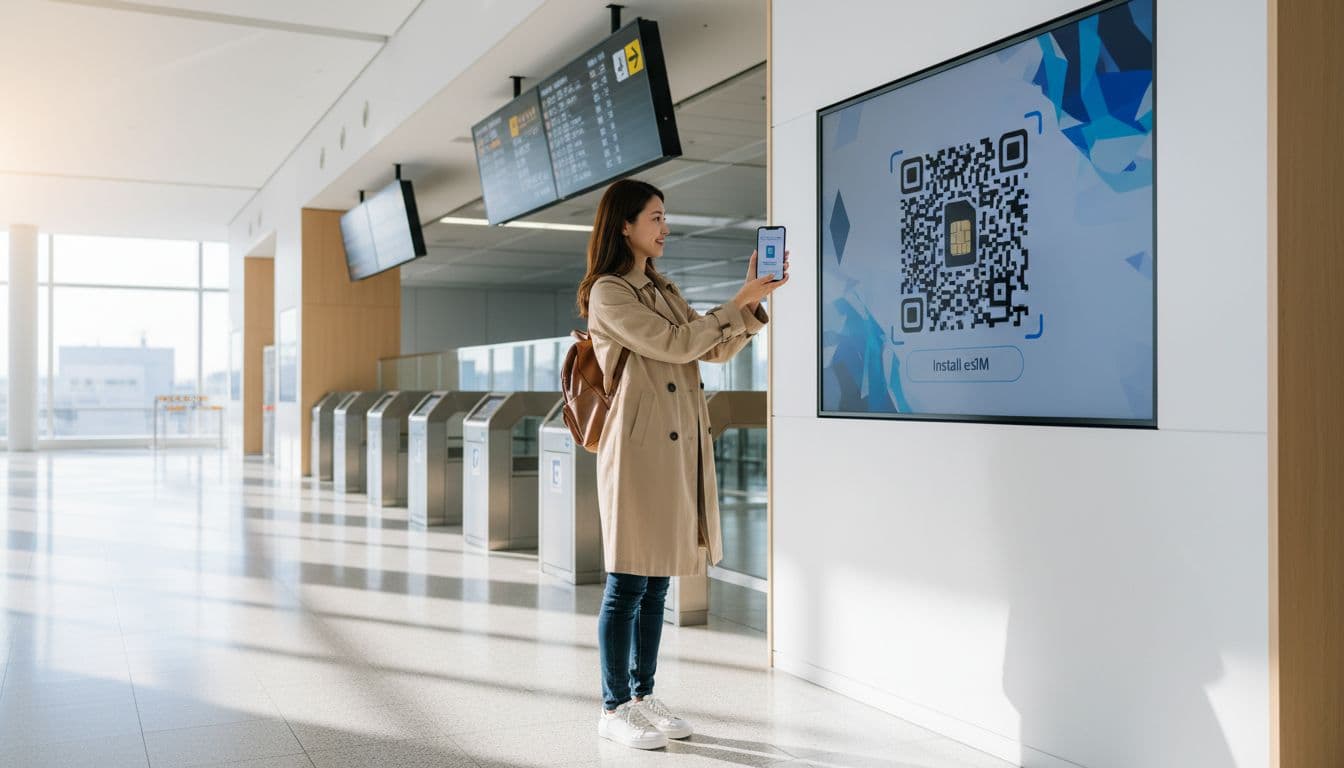
A solo traveler holds a smartphone to scan a QR code for eSIM installation at a modern Japanese airport

I do this setup at home, not on airport WiFi. It takes about 5 minutes when I’m not rushed.

Step-by-Step Setup:

  1. Check compatibility: Confirm your phone is eSIM-compatible and unlocked
  2. Buy your plan: Get your Japan or South Korea eSIM at Airalo
  3. Install: Install via the app or QR code, then name it something obvious like “Japan Data”
  4. Set as data line: Make the eSIM your mobile data line
  5. Before takeoff: Keep it OFF, then after landing turn it ON and enable data roaming for the eSIM only
  6. Keep primary line: Leave your main SIM on for calls/texts if your carrier supports it

Pre-Flight Mini Checklist:

  • ☐ Screenshot the installation steps
  • ☐ Confirm the eSIM line is added
  • ☐ Check “Cellular Data” points to the eSIM
  • ☐ Save offline maps as backup

💡 Pro tip: After landing, restart your phone once. It fixes more issues than it should.

The 5 Mistakes That Cause “No Service” (And Fast Fixes)

❌ Activated too early
✅ Fix: Wait until you land, then toggle it on
❌ Wrong data line selected
✅ Fix: Set cellular data to the eSIM, not your home SIM
❌ Data roaming off for eSIM
✅ Fix: Turn on roaming for the eSIM line only
❌ VPN blocking portals
✅ Fix: Pause VPN, connect, then turn it back on
❌ No restart after install
✅ Fix: Restart, then toggle airplane mode once

Japan + Korea Combo Trip Strategy

I choose between two options:

  1. Simplest: One regional Asia eSIM (if it includes both countries)
  2. Better control: Separate country plans (often cheaper depending on data use)

Either way: Top up before transit days—airports and long train days eat data fast. Compare both options in the Airalo app before buying.

Booking Checklist: Flights, Stays & Transfers

Good data makes every booking step easier. I can pull up confirmations, translate hotel messages, and reroute when train platforms change.

My Booking Strategy:

My 5-Item “Don’t Get Stuck Without It” Packing List

🔋 Power Bank
Your phone is your map, ticket wallet, and translator
Get one on Amazon →
🔌 Multi-Country Adapter
Japan and Korea work with US plugs, but bring one for odd outlets
📱 Extra Charging Cable
The hotel bed always eats one
💧 Phone Waterproof Pouch
Helpful for spring rain and boat days
☂️ Compact Umbrella
Seoul and Tokyo drizzle is sneaky

FAQ: eSIMs in Japan and South Korea

Does my phone support eSIM?

Most newer iPhones, Pixels, and many Samsung models do. Check Settings for “Add eSIM” and confirm your phone is unlocked.

Will I keep my US number?

Usually, yes. Keep your primary line on for calls and texts when your carrier allows it, while the eSIM handles data.

Will it be 5G?

Often, yes, where available. Even LTE is plenty for maps, translation, and booking.

Can I use hotspot?

Many plans support it, and Airalo commonly does. Test once at home since plan rules can vary.

When should I install the eSIM?

Install before flying and activate after landing. Don’t troubleshoot with jet lag.

What if I run out of data?

Top up in-app before big travel days. Airalo’s top-up flow is simple and clear.

Ready to Get Connected?

Don’t Land Without Data

Join over 20 million travelers who trust Airalo for instant connectivity in 200+ countries.

Get Your Japan & Korea eSIM Now

Plans start from just $4 • Setup in 5 minutes • 24/7 support

Next Steps for Your Trip:

© 2026 I Need My Vacation. All rights reserved.

Pin It on Pinterest

Seraphinite AcceleratorOptimized by Seraphinite Accelerator
Turns on site high speed to be attractive for people and search engines.