 Skip to content
📶 Caribbean Cruise Wi-Fi 2026: Costs, eSIM Alternatives & Port Coverage Guide
Caribbean cruise Wi-Fi costs between $20 and $35 per day on Carnival, while Royal Caribbean and MSC require sailing-specific quotes. For most travelers, the most affordable strategy is buying the ship’s basic package for sea days and using a verified travel eSIM for port-day data.
📱 Check Your Ports Before Buying Ship Wi-Fi
Compare destination lists first. A travel eSIM is perfect for port days, but it won’t work offshore. Secure your pre-cruise hotel and compare eSIM coverage now.
💡 When the Airalo app opens: Type “Caribbean” or your specific port (e.g., “Nassau” or “Cozumel”) to verify exact coverage.
💡 When the hotel page opens: Type “Fort Lauderdale” or “Port Canaveral” and filter by “Free cancellation”.
🎯 Key Takeaways Before You Buy
- 💰 Compare the full-cruise total for a Wi-Fi package, not just the advertised daily price.
- 🚢 Buy onboard Wi-Fi only if you need internet during sea days or evenings offshore.
- 🗺️ Check your eSIM’s exact destination list for all port calls, especially Mexico and Honduras.
- ✈️ Keep airplane mode on at sea, then enable Wi-Fi separately to avoid maritime roaming fees.
- 📱 Check device restrictions before planning to share one single-device package with a partner.
📍 Jump to the Right Answer
Caribbean cruise Wi-Fi prices depend heavily on your sailing and package tier. Carnival publishes pre-cruise plans, while other lines require a booking-specific quote. For many travelers, the most affordable option is buying ship Wi-Fi only when needed and using a verified travel eSIM in port. I always start with the itinerary, not the internet upgrade. Count your sea days, decide when you need a connection, and check the full cost before buying. Include connectivity alongside gratuities and drinks when reviewing the hidden costs of cruising.
💰 How Much Does Caribbean Cruise Wi-Fi Actually Cost?
Published prices are useful, but your booking account is the final checkout reference. Discounts, device counts, and sailing dates can change the total. Here is what the published prices let you compare for 2026 sailings. Rates may change, so confirm your total before sailing. According to Carnival’s internet plan details, Value also has a $28 onboard 24-hour option, while Premium’s 24-hour option costs $35.
✈️ 2026 Pre-Cruise Airfare Snapshot (round-trip economy, from ~): JetBlue JFK–FLL (Fort Lauderdale) ~$140; American MIA–MCO (Orlando) ~$120; Delta ATL–SJU (San Juan) ~$180.
🏨 2026 Pre-Cruise Hotel Snapshot (from ~ per night): Hilton Fort Lauderdale Marina (Near Port Everglades) ~$210; JW Marriott Orlando Grande Lakes ~$350.
👥 Can You Share One Cruise Wi-Fi Package?
Sharing rules vary by cruise line, so don’t assume one Wi-Fi package covers multiple passengers. A single-device purchase usually allows one device online at a time. Carnival allows a plan to be used across multiple devices, with only one connected at a time. Switching devices can suit travelers who need occasional access. Royal Caribbean’s public information doesn’t confirm whether different passengers can share one single-device purchase; ask before relying on that workaround. MSC Cruises packages are personal and non-transferable. Activated devices are locked to the package for the cruise, so don’t assume you can replace a phone with a laptop later.
Avoid buying a travel router solely to bypass package limits. Restrictions still apply, and the equipment may not work with the ship’s captive portal login system.
🗺️ Which Caribbean Ports Need Extra eSIM Coverage Checks?
A plan called “Caribbean” doesn’t automatically include every cruise destination. Check each destination on your port calls, not just the port name. Airalo’s Island Hopper list includes destinations such as the Bahamas, Jamaica, and the British Virgin Islands. However, Mexico and Honduras often require separate country-specific plans. That makes Cozumel and Roatán important checks on Western Caribbean itineraries. Save the meeting point and guide contact before leaving for independent Caribbean shore excursions.

📲 Secure Your Port-Day eSIM Data
Skip the expensive ship Wi-Fi for port days. Compare regional data plans and verify your specific islands are covered before you sail.
💡 When the app opens: Search “Caribbean” or type “Mexico” if visiting Cozumel, and verify the local network partner.
⚠️ How Do You Avoid Massive Maritime Roaming Charges?
Don’t assume your land-based international phone plan covers the ship. Maritime cellular service (like “Cellular at Sea”) has separate terms and can result in massive bills. Use airplane mode, then turn Wi-Fi back on if you have a ship package. Confirm cell service remains disabled. A phone can connect to a ship’s cell network while the vessel is docked or even in some U.S. ports. I wouldn’t switch cellular service back on simply because land is visible. Wait until ashore, confirm the travel data line, and check the network connection. Protect your entire trip investment with comprehensive 🛡️ travel protection via EKTA to cover medical emergencies and trip interruptions.
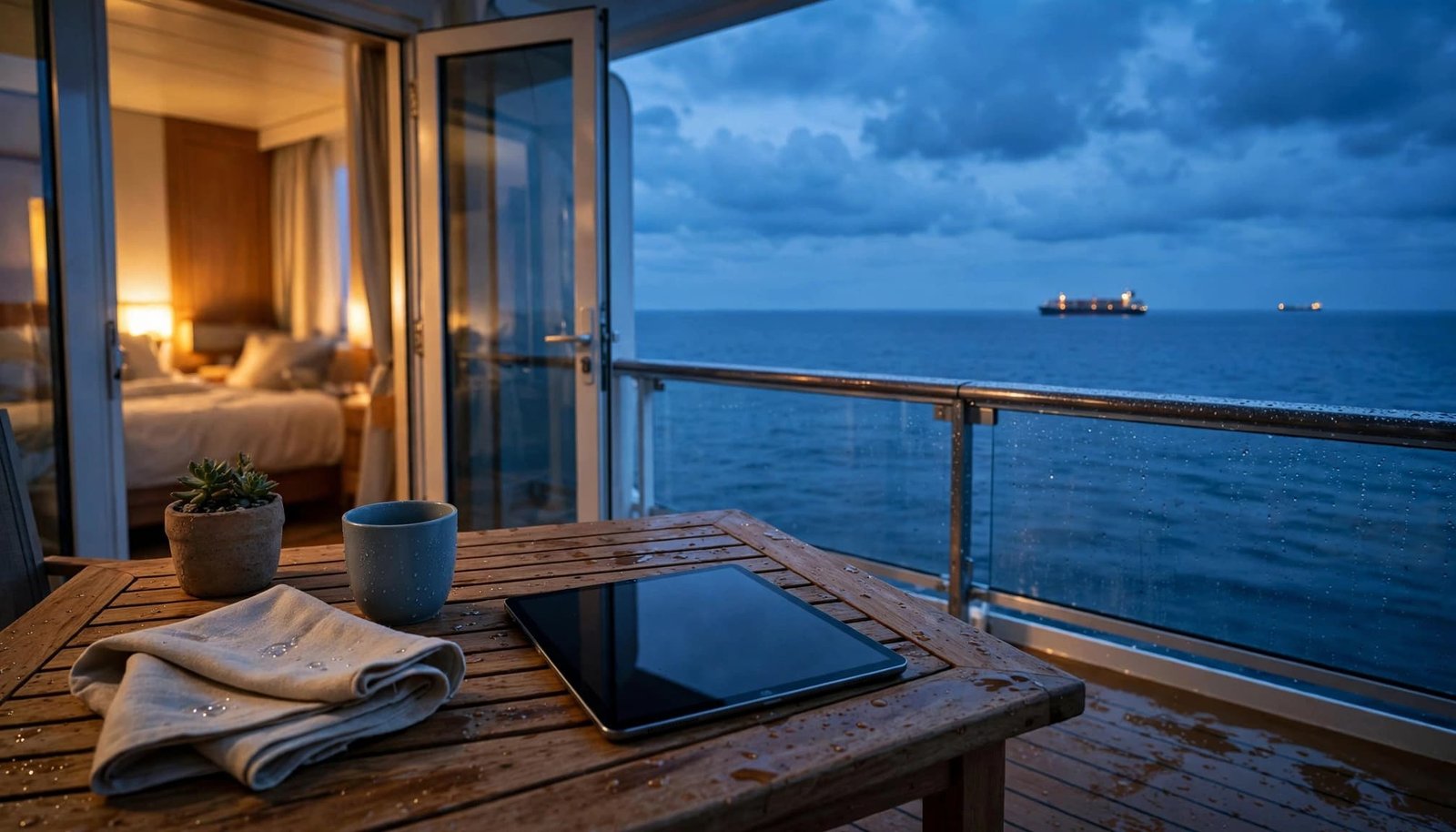
⚠️ Harsh Truth: Your travel eSIM may require its own roaming setting to be ON. Keep the home line OFF or restricted so those settings don’t apply to the wrong SIM and trigger maritime roaming fees.
📶 Is Starlink or a 5G Hotspot Better for Remote Work?
Many new ships advertise Starlink satellite internet. While its low-Earth-orbit network reduces latency compared to traditional geostationary systems, passengers still share onboard capacity. For remote work, upload performance and stability matter as much as headline download speed. Test your employer’s VPN early in the sailing. If you frequently work from port cafes or need a private Wi-Fi bubble for your family while docked, investing in a premium 5G mobile hotspot paired with a local eSIM is a game-changer. If your cruise adventure starts with a flight into Mexico, pre-book your ground transport with 🚐 OMyTransfers for seamless rides.
📥 What Can You Download Before Sailing to Save Money?
Offline preparation can drastically reduce how much internet you need to buy. Download maps, entertainment, cruise documents, tour confirmations, and essential contacts before departure. Check that saved files open without a connection. Pause automatic photo uploads, app updates, and background downloads; they can consume a port eSIM allowance before you’ve noticed. For families, agree on meeting places and times before separating. Neither onboard chat nor mobile service should be your only reunion plan. Before booking around work or connectivity, compare itineraries using our Caribbean cruise-line guide.

❓ People Also Ask: Cruise Wi-Fi FAQ
1. Should I buy Caribbean cruise Wi-Fi before departure?
Yes, if you know you need it. For Caribbean cruise Wi-Fi, compare the advance price with onboard options. Carnival publishes lower starting pre-cruise rates (e.g., $20.40/day vs $22/day onboard). Always check cancellation terms and included fare benefits before purchasing.
2. Can an eSIM replace ship Wi-Fi during sea days?
No. A travel eSIM uses land-based cellular networks, so it will not provide dependable service offshore or during sea days. It is strictly for port-day use. Furthermore, leaving your cellular data on while at sea can trigger massive maritime roaming charges if your phone connects to the ship’s cellular network.
3. Can I use the cruise line app without buying internet?
Yes, most cruise-app functions (like daily schedules and deck plans) work through the ship’s local Wi-Fi network without an internet package. However, the in-app chat feature doesn’t automatically include WhatsApp, email, or messaging people back home. Those require a paid Wi-Fi package.
🌅 Pay for the Connection You’ll Actually Use
Choose Caribbean cruise Wi-Fi based on a clear need: sea-day access, family contact, or remote work. For port-heavy trips, a verified travel data plan may cost significantly less. Compare your itinerary with the plan’s destination list, confirm coverage before price, and check device rules. Set airplane mode before sailing to avoid unexpected charges. Choose a connection that meets your needs, and leave room in the budget for enjoying the cruise.
📶 Finalize Your Connectivity Strategy
Compare flexible flights, lock in your refundable pre-cruise hotel, and secure your port-day eSIM today.
💡 When the flight page opens: Enter your home airport + “FLL” (Fort Lauderdale) or “MCO” (Orlando) and toggle “Flexible dates”.
Support the Blog
If you love our travel guides and vacation tips, consider buying us a coffee to fuel the next adventure!
Buy Me a Coffee© 2026 I Need My Vacation. All rights reserved.
